How I storyboard a six-shot short in Yantra
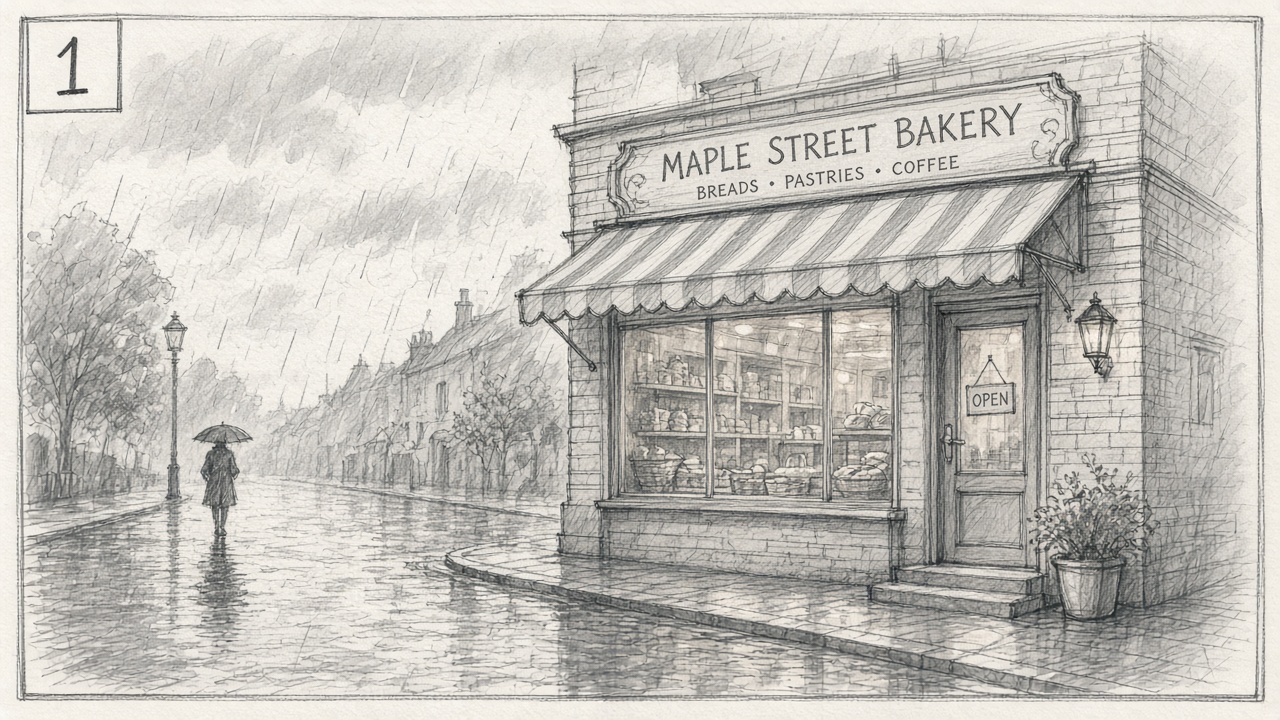
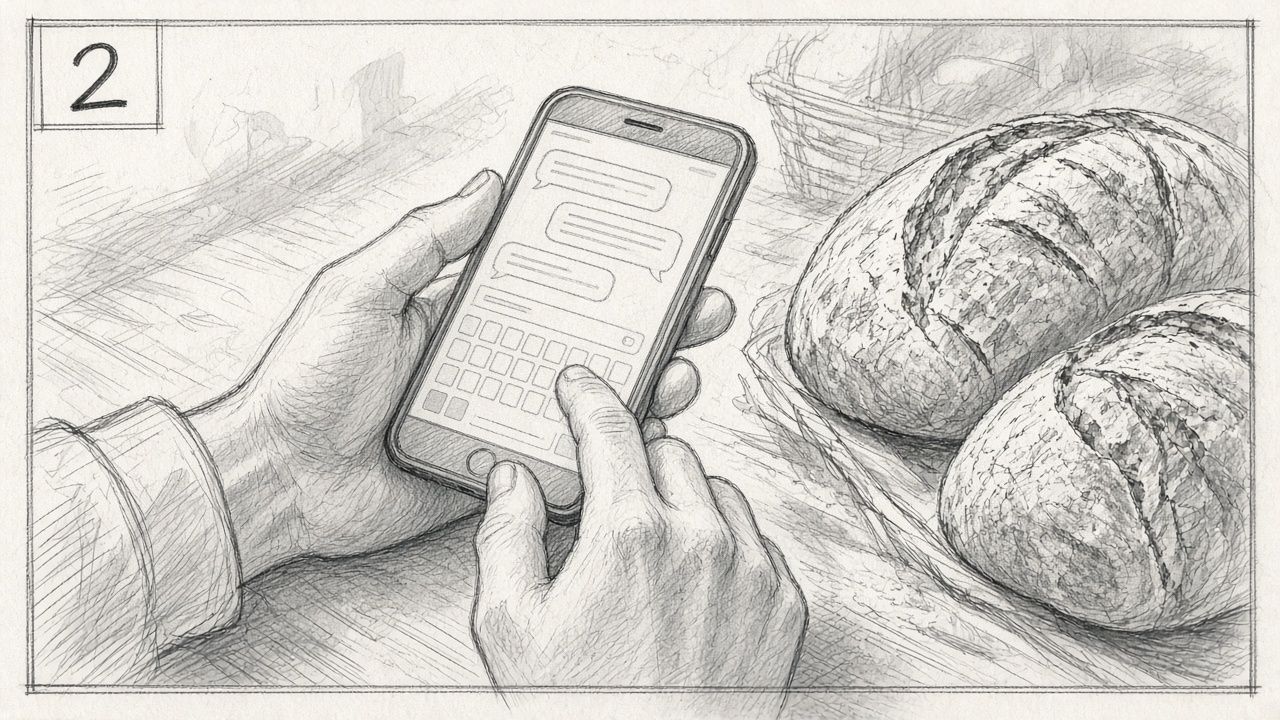
Every short I make starts as six shots on paper. Here is the whole routine.
Write the six shots first
One line each: what we see and how the camera moves. Mine for this one:
Wide: a small bakery on a rainy morning.
Close: the baker's hands texting beside fresh bread.
Insert: the phone screen.
Medium: the shop filling up.
Close: steam from a coffee cup.
Wide: the street, the rain stopping.
Sketch before you generate
I make rough panels first (the two above), so every generation has a job.
Storyboard panel, pencil sketch style with light gray wash,
close-up of a baker's hands texting on a phone beside fresh bread
Generate to the list, not around it
If a shot doesn't fit the list, it doesn't go in the short, however pretty it is.
Ask me anything about it in the comments, or in Cinematic shorts.